Account Settings
The Account Settings section is where you manage how you access your MustStash account: your email address, password, and account status. You can find these settings under My Account → Account Settings.
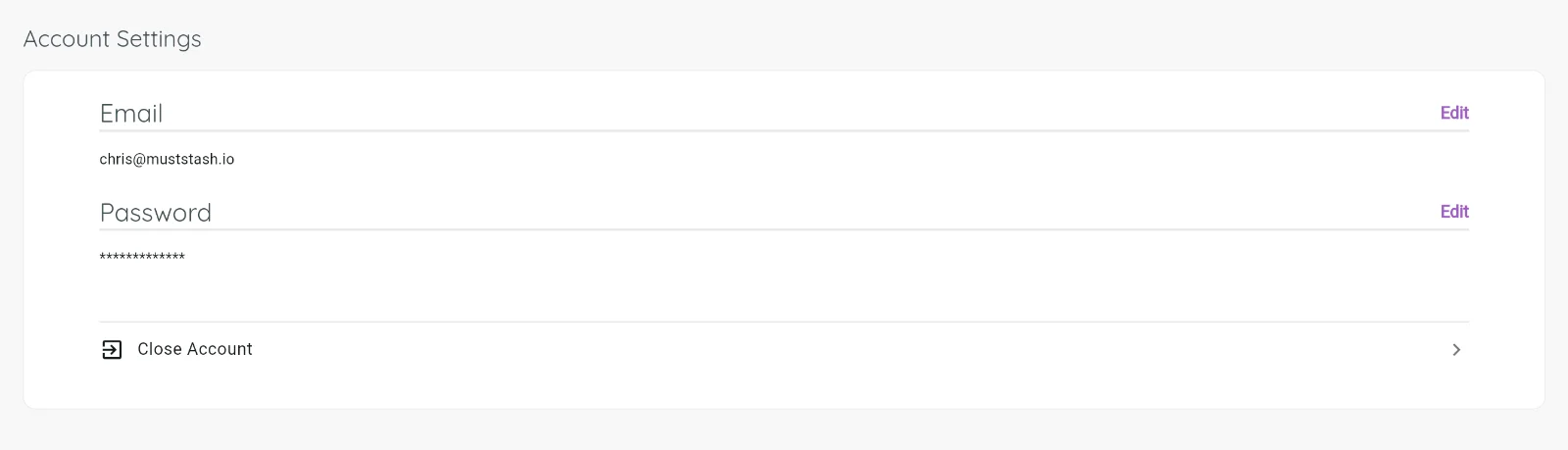
Email address
Your email address is how MustStash sends you login codes and important account notifications. You can update it here if you need to change it.
Password
You do not need a password to use MustStash. By default, you can log in with a one-time login code sent to your email.
If you prefer not to wait for a login code, you can create a password at any time.
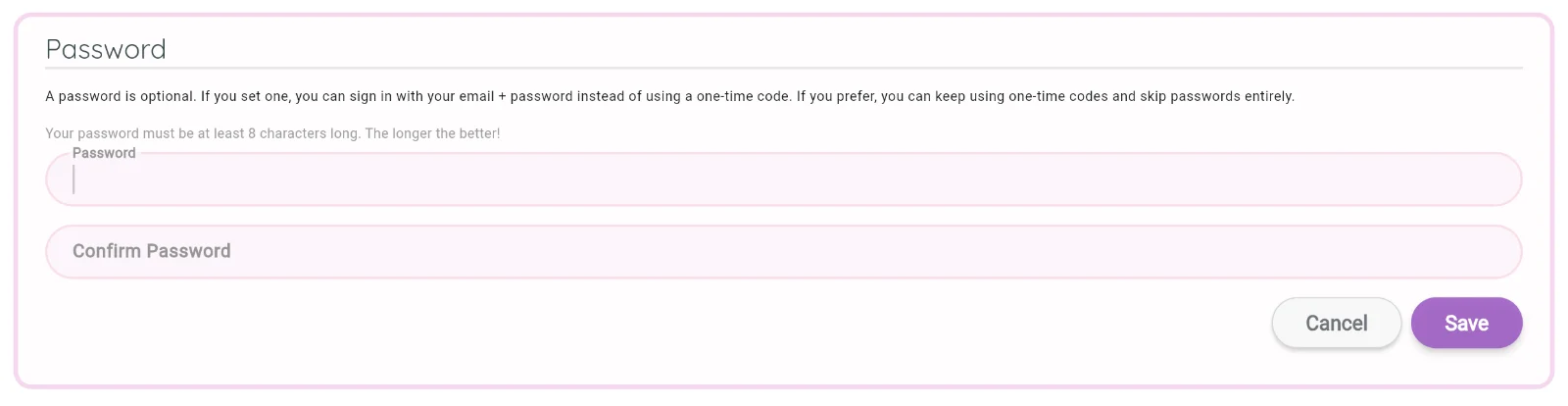
Enter the password you want to use, then save your changes.
After your password is saved, you can log in either way:
- with a login code sent to your email
- with your email address and password
Both options will continue to work.
Close your account
If you ever need to permanently close your MustStash account, you can do that from Account Settings. Closing your account is permanent and cannot be undone, so please make sure you're ready before proceeding.
If you're running into a problem and that's why you're considering leaving, please reach out to support first, we'd love to help.