App Preferences
The App Preferences section lets you customize how MustStash looks and behaves on your device. You can find these settings under My Account → App Preferences.
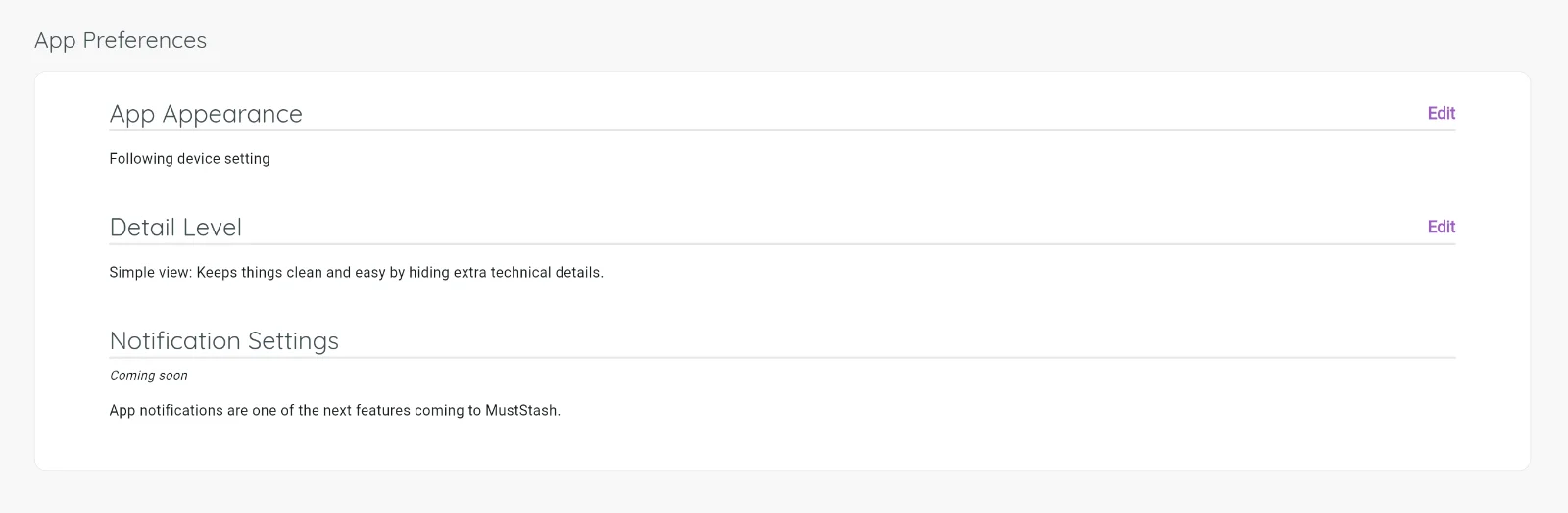
App Appearance
Choose between Light mode, Dark mode, or System default (which follows your device's current setting). Pick whatever is most comfortable for your eyes.
Detail Level
MustStash offers two views to suit different crafting styles:
- Simple view keeps things clean and easy to browse by hiding some of the more technical crafting details. Great if you just want to find and stash products quickly.
- Detailed view surfaces additional product information and metadata for crafters who enjoy deeper organization. As MustStash grows, more advanced details will continue to become available throughout the app.
You can switch between the two at any time — try both and see which one feels right for you.
Notifications
Notification settings are coming soon. Stay tuned for updates.