Create your account
Creating a MustStash account only takes a minute. You can sign up with an email address, or continue with Google, Apple, or Facebook.
This guide shows the email sign-up path. If you use Google, Apple, or Facebook, some steps may be filled in for you automatically.
1. Enter your email address
Enter your email address and select Create Account.
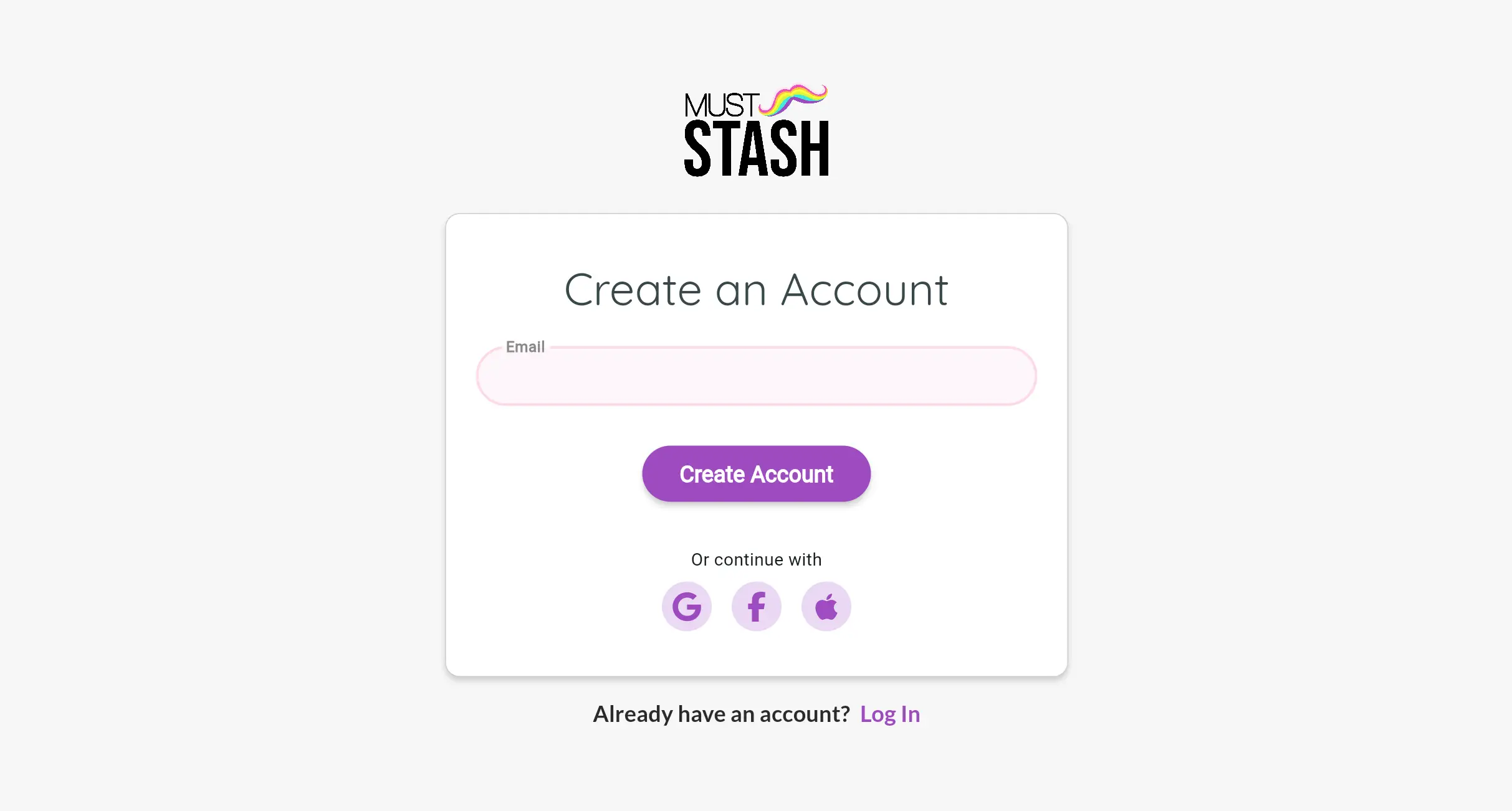
MustStash will send a login code to that email address.
2. Check your email
Open your email and look for a message from MustStash with your login code.
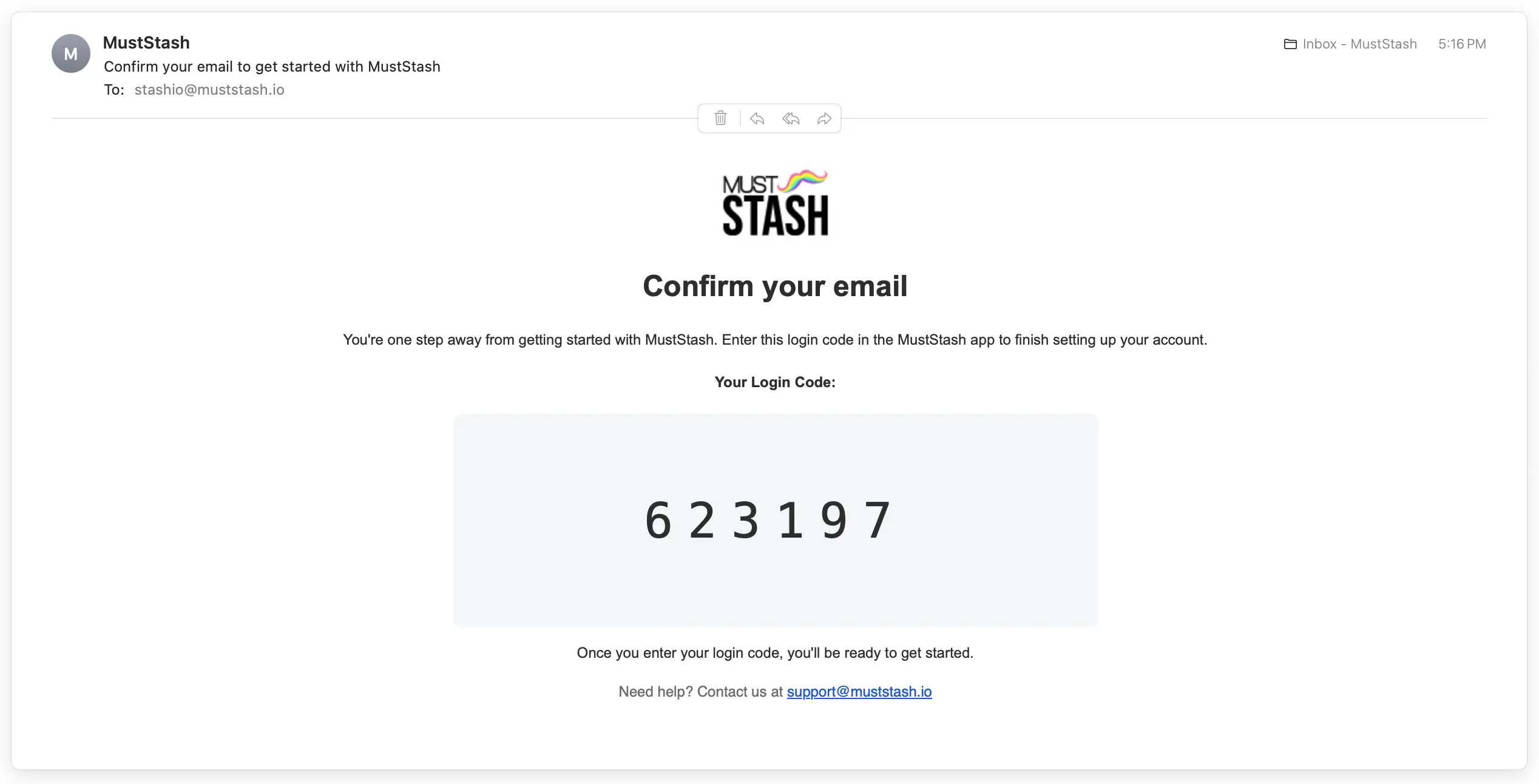
If you do not see the email after a few minutes, check your junk or spam folder.
3. Enter your login code
Return to MustStash, enter or paste the login code from your email, and select Log In.
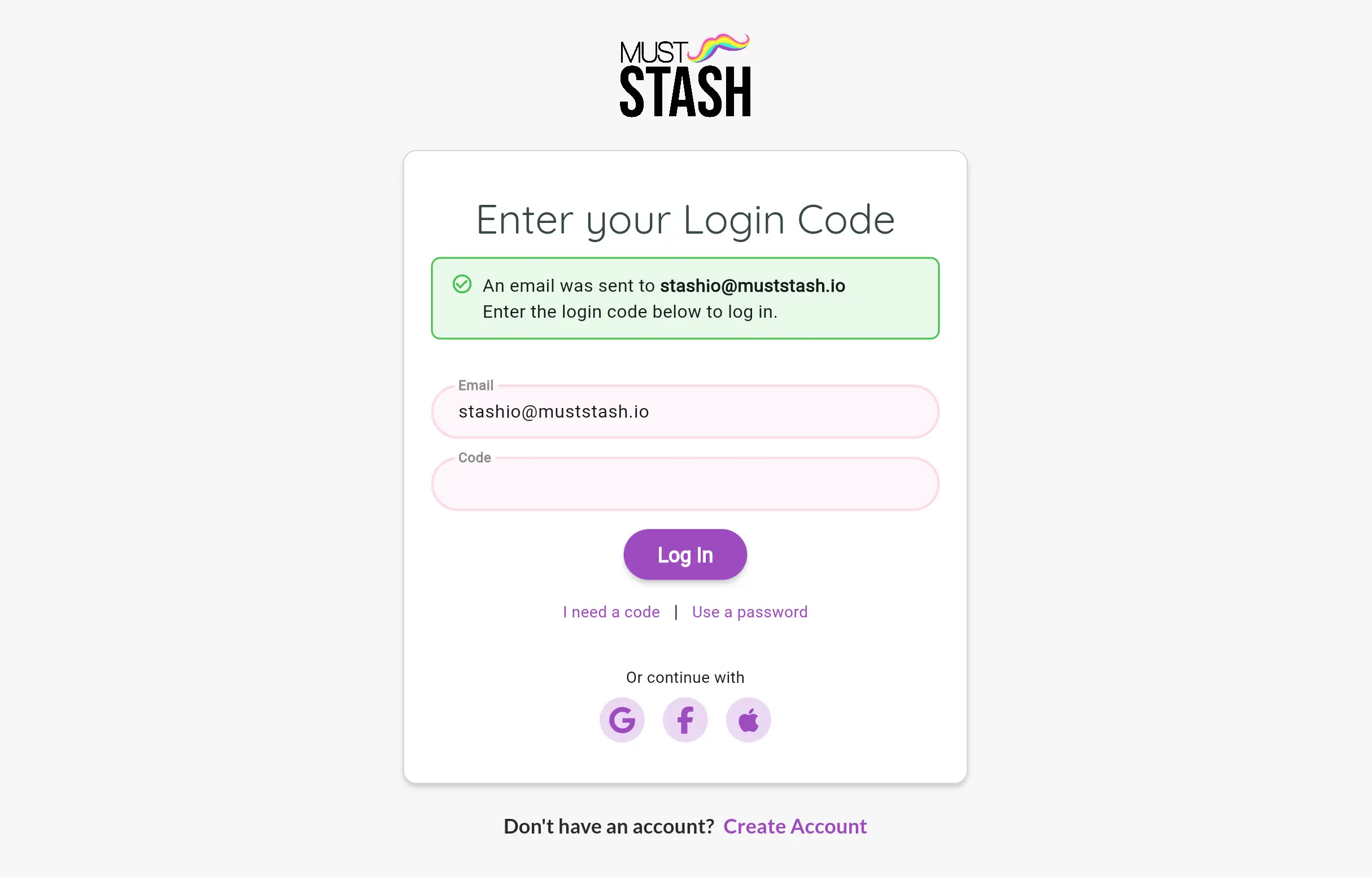
After the code is accepted, MustStash will finish creating your account.
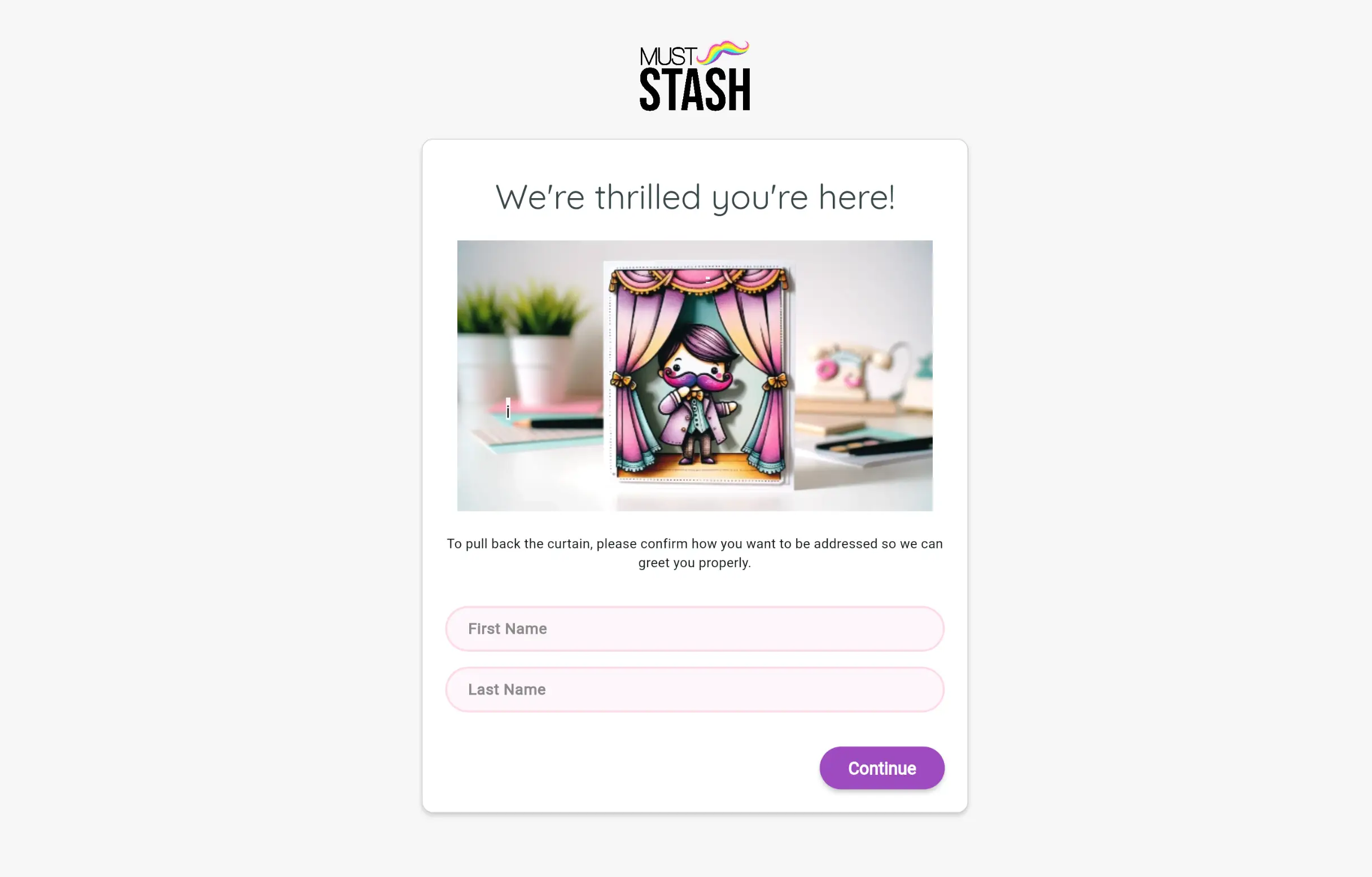
4. Add your name
The first time you sign in, MustStash may ask for your name. This is the name other members will see.
5. Add a profile photo
You can add a profile photo if you want. This step is optional.
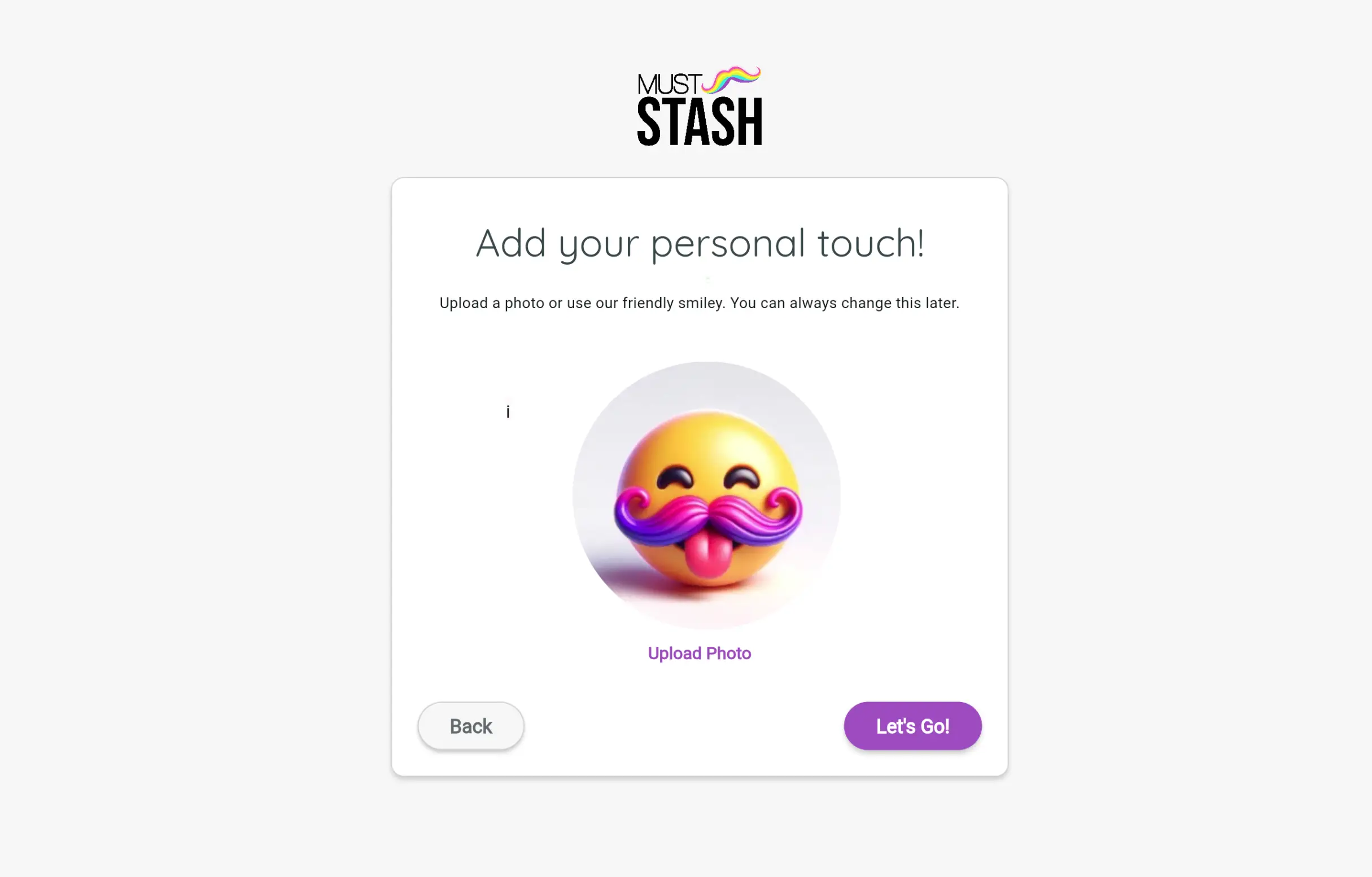
If you do not want to add a photo right now, select Let's Go!. You can add or change your photo later.
Once these steps are complete, you’re ready to start using MustStash.
Having trouble logging in? See Trouble logging in.