Quick tour of MustStash
MustStash is organized into five main areas. Here is a quick look at what each one is for.
Discover
Find inspiration, trending products, and new ideas.
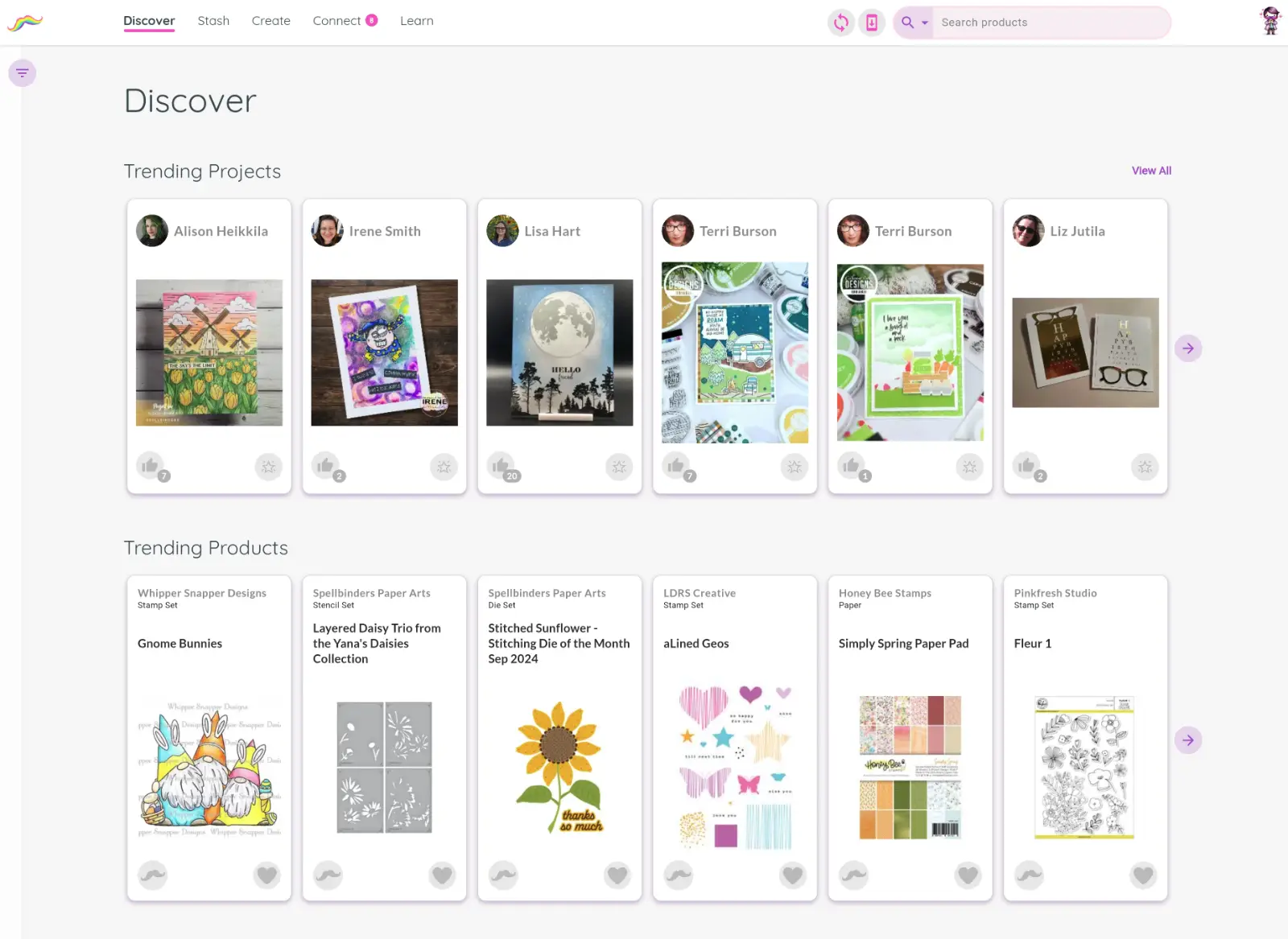
Discover is the home page of MustStash. Browse trending products, trending projects from the community, and the newest products added to MustStash from your favorite companies. You can also search and filter the community database to find specific products and start building your stash.
Once you find a product you own, you can add it to your Stash. If it's something you'd like to buy in the future, you can add it to your Wishlist instead.
Stash
Keep track of the products you own and want.
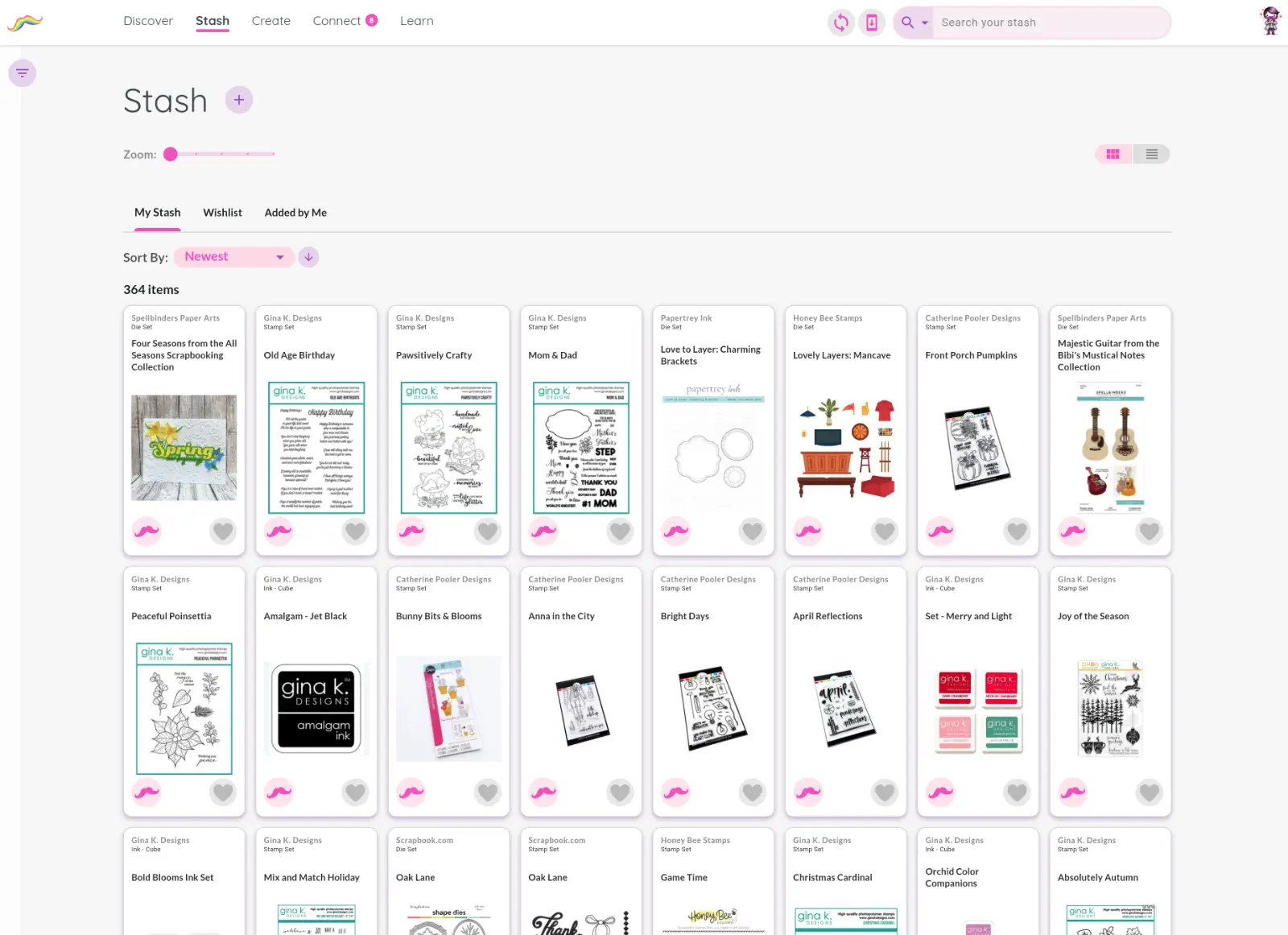
Your Stash is your personal collection inside MustStash. Organize the products you already own, keep track of items on your Wishlist, and quickly search or filter your collection when planning a project.
You can also view products you personally added to the community database, including private items and submissions waiting for review.
Create
Save your projects and explore inspiration from the community.
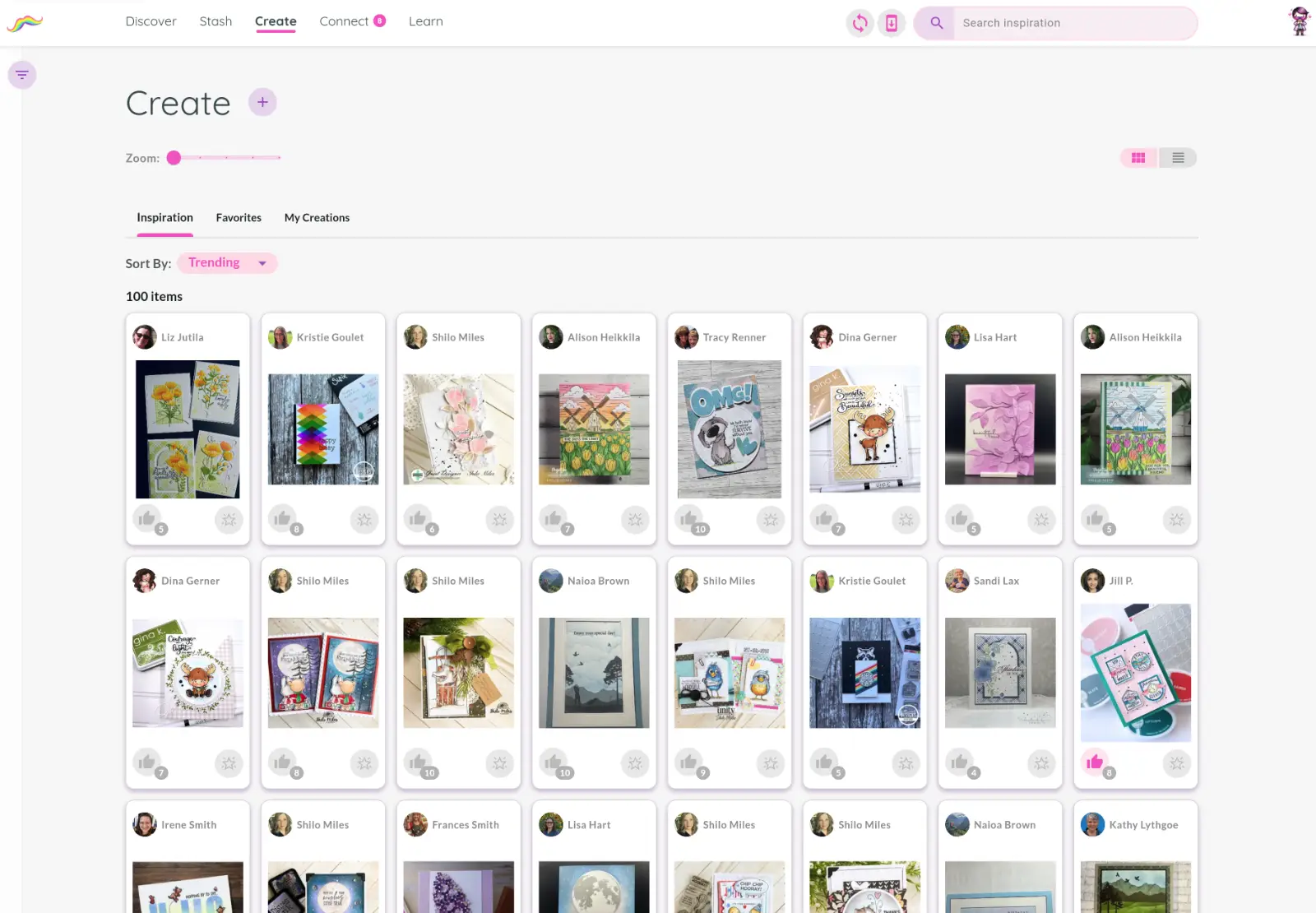
Create is where inspiration comes together. Browse projects shared by other crafters, save your favorites, and organize your own creations in one place.
Search and filters make it easy to find ideas for specific themes, occasions, styles, or products.
Connect
Stay connected with your crafting community.
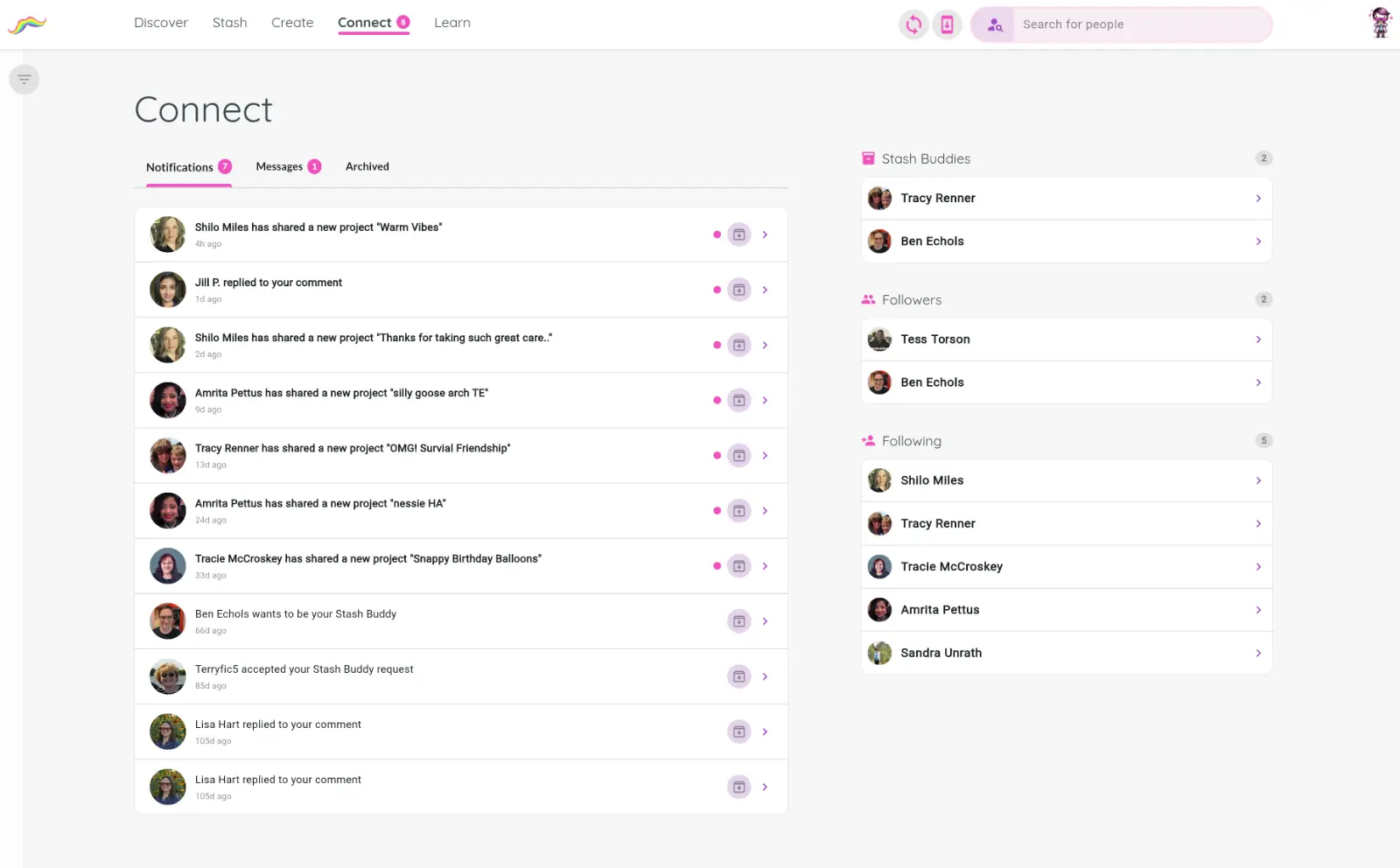
Connect helps you keep up with the people and projects you care about most. View notifications, send messages, follow other crafters, and manage your Stash Buddies.
You can also see who follows you and discover people with similar creative interests.
Learn
Tutorials, videos, and helpful resources.
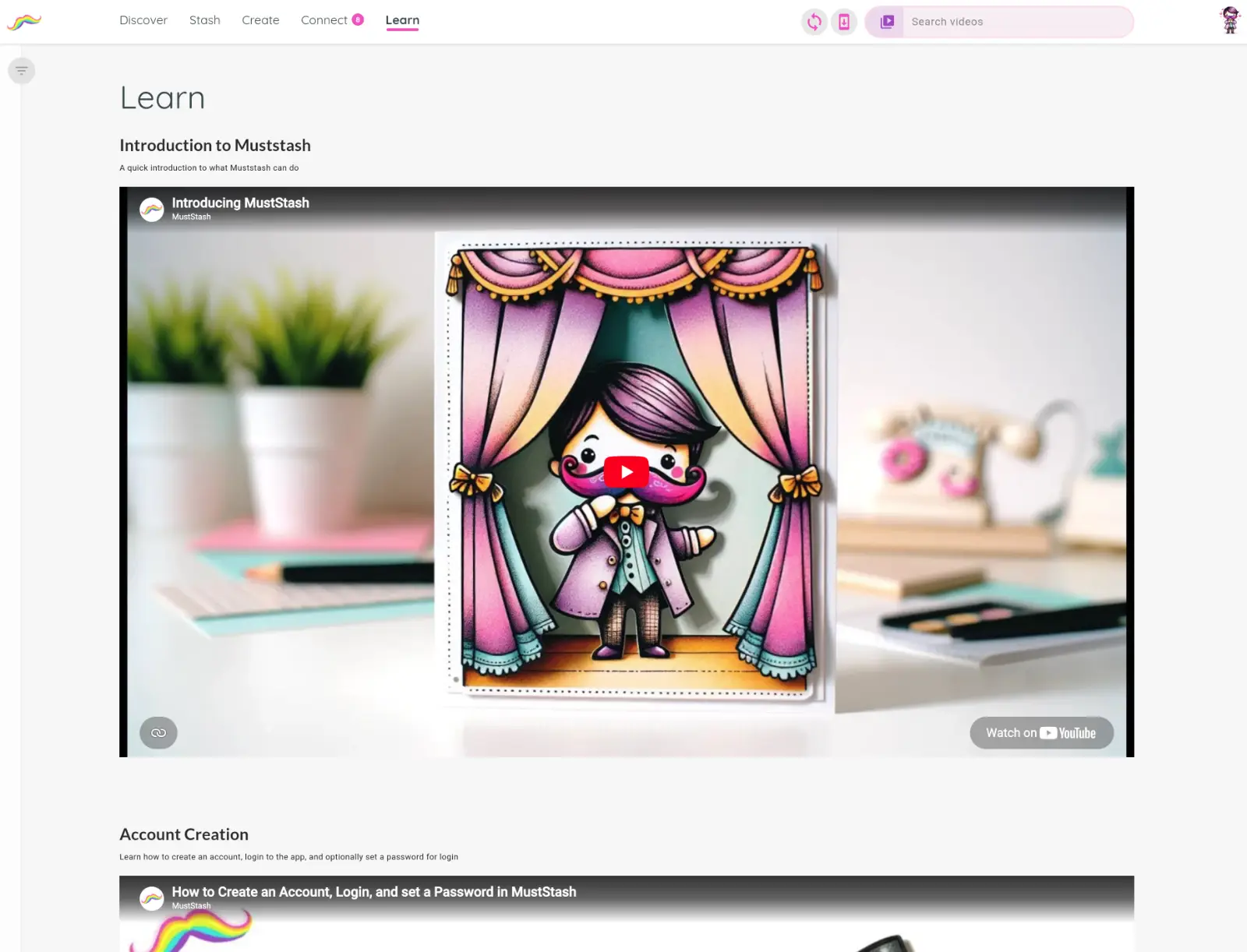
Learn is the home of MustStash tutorials, live sessions, walkthroughs, and help guides designed to help you get the most out of the platform and improve your crafting skills.
That’s the basic layout of MustStash. As you explore the app, each section will become more familiar and personalized to your crafting interests.