Sign in to MustStash
Signing in is quick and there are a few different ways to get in.
Ways to sign in
- Login code: Enter your email address and MustStash sends you a short one-time code. Enter the code to sign in. No password needed.
- Password: If you added a password to your account, you can sign in with your email address and password.
- Social sign-in: Sign in with Google, Apple, or Facebook.
tip
If you do not remember your password, use a login code instead. MustStash will email you a code so you can get back into your account.
Sign in with a login code
This guide shows the email login code method.
1. Enter your email address
Enter your email address and select Send Login Code.
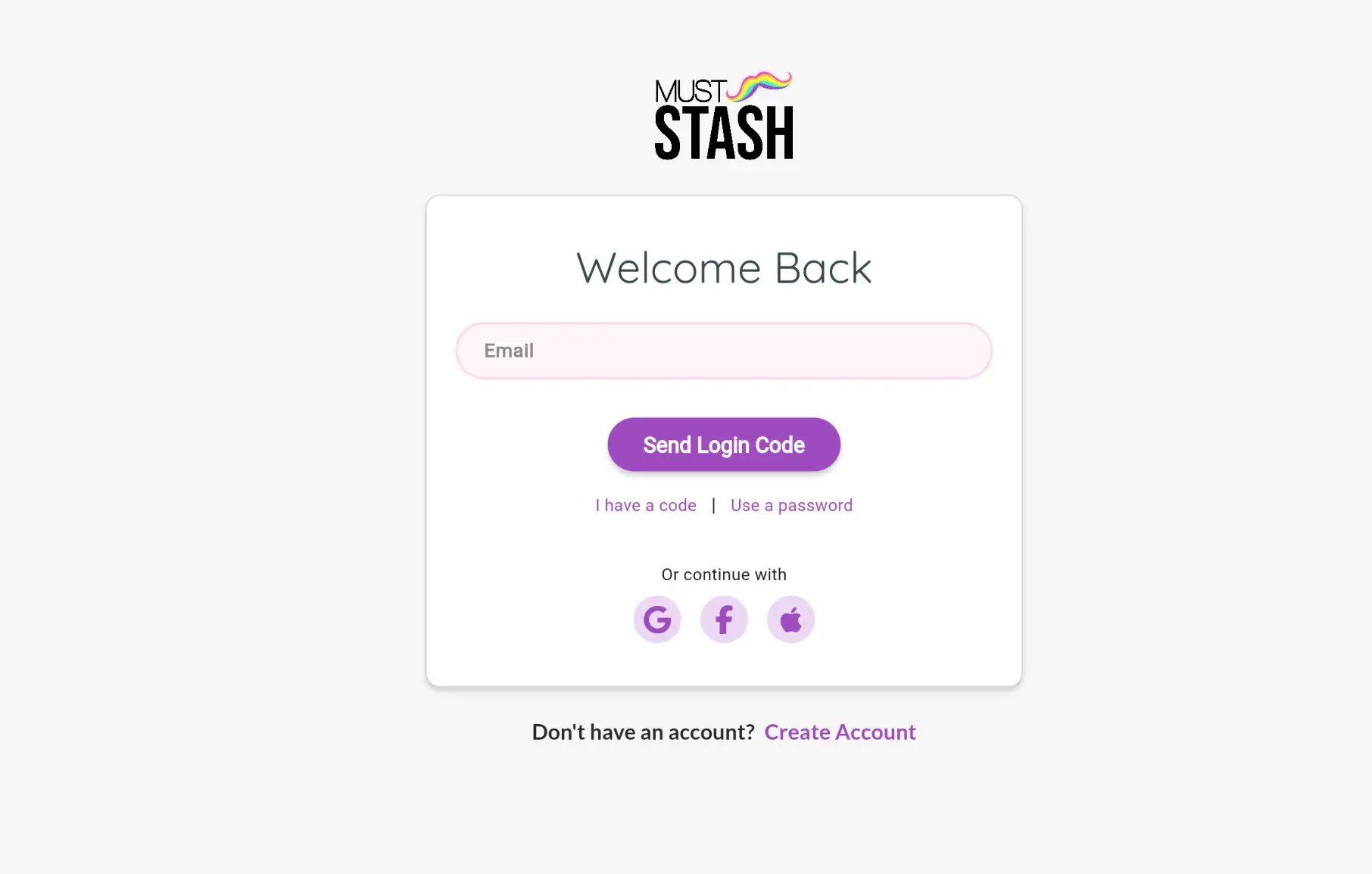
MustStash will send a login code to that email address.
2. Check your email
Open your email and look for a message from MustStash with your login code.
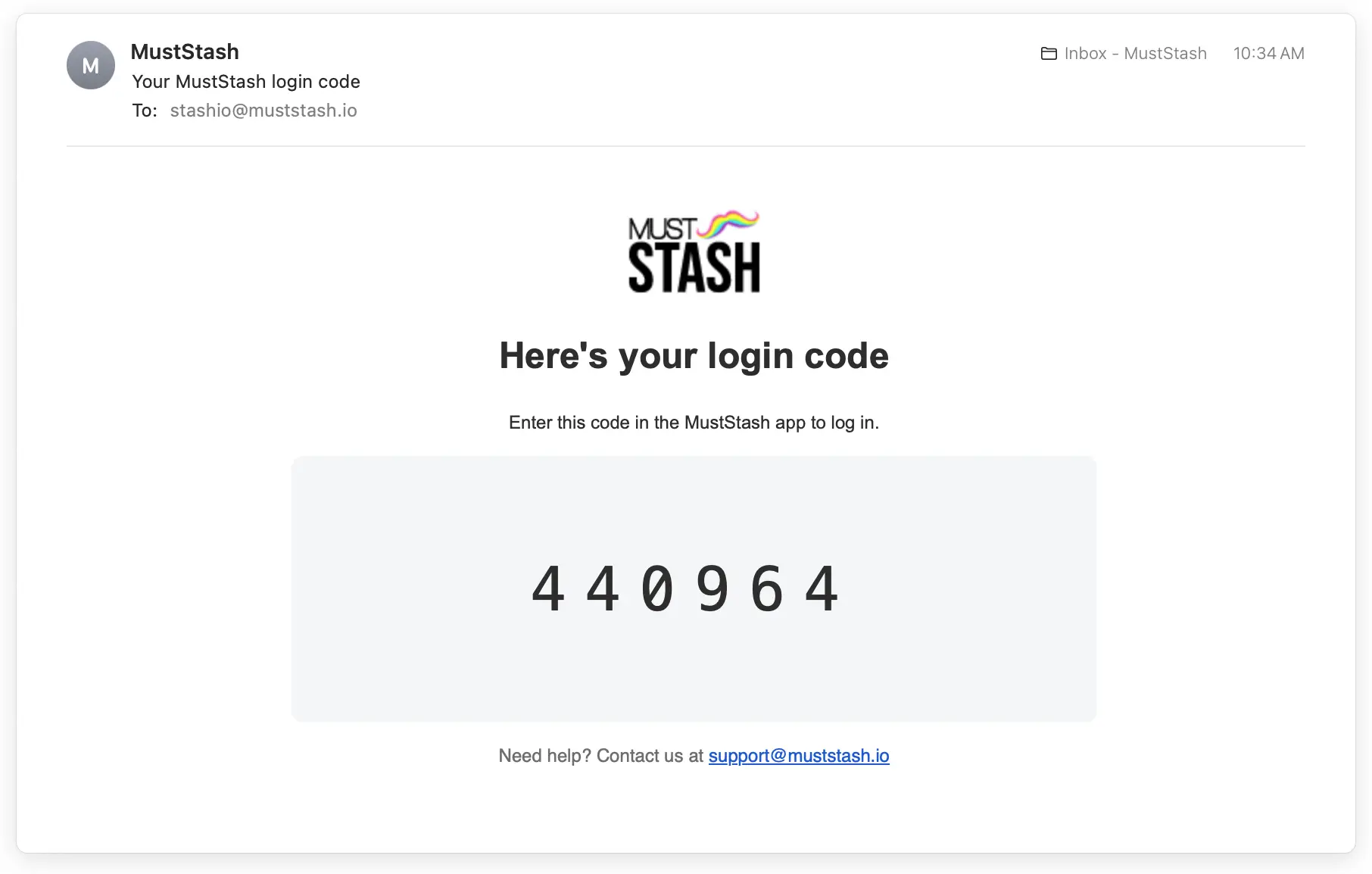
If you do not see the email after a few minutes, check your junk or spam folder.
3. Enter your login code
Return to MustStash, enter or paste the login code from your email, and select Log In.
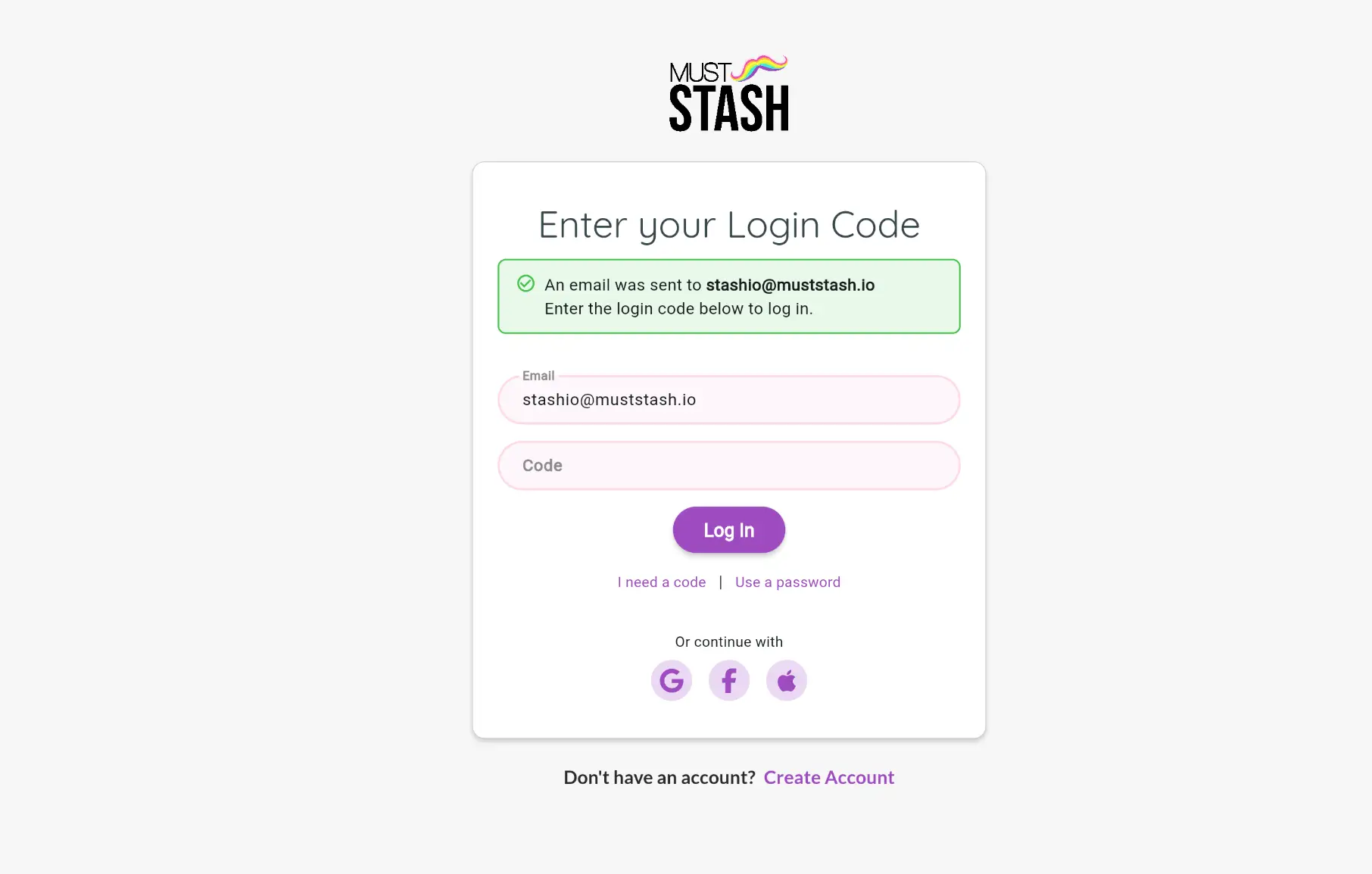
That's it... you're signed in.
Not receiving your code? See Trouble logging in.